AI Chatbots Should Be Designed
Not for Conversation
but for Problem Solving
Putting an AI chatbot on a site does not automatically improve the user experience. Users do not come to talk with AI. They want to reduce confusion and reach the information they need faster. The question before implementation is not what kind of conversation the bot can hold, but what problem it will solve.
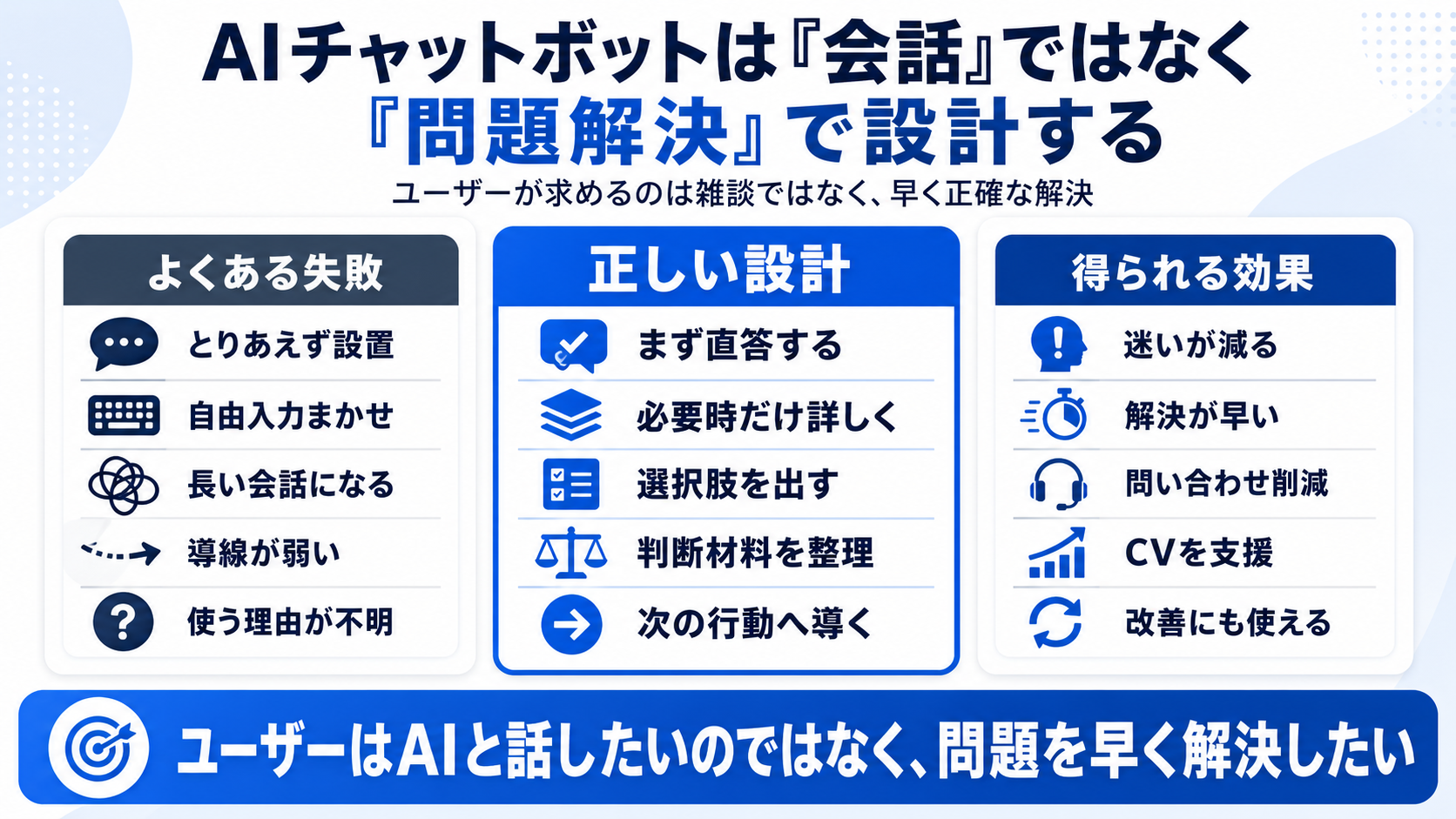
The value of an AI chatbot is not that it can converse. It is that it can reduce user hesitation.
AI chat is not used just because it exists
A common failure in chatbot projects is treating the feature itself as the goal. Users are not visiting a site to try a new interface. They are dealing with missing information, hard comparisons, and pre-purchase anxiety. If AI cannot reduce those concrete frictions, it becomes noise rather than a useful entry point.
Add AI because it is AI
- Cover everything with a general chatbot
- Leave the reason for use unclear
- Treat it as a replacement for search
Design from unmet problems
- Narrow the target task
- Show what the bot can solve
- Use it together with search, FAQ, and comparison UI
Break user questions into tasks, not conversations
What an AI chatbot should solve is not small talk. It should support tasks: checking delivery conditions, comparing product differences, confirming return rules, or reducing anxiety for first-time users. Some of these do not need a chat format at all. A comparison table, FAQ, card UI, or input support may be more suitable.
AI does not always need to be in front
AI features need different levels of visibility depending on user intent. If AI interrupts when users want to search by themselves, it becomes a distraction. When confusion or anxiety is clear, AI support can be powerful. The point is not to show AI constantly, but to make it appear in the necessary form at the necessary time.
Look only at conversation
- Place AI because it is new
- Use one generic interface for everything
- Make the purpose vague
- Replace search without reason
Design from resolution
- Start from the problem
- Narrow the target task
- Show the solvable range
- Combine it with FAQ and existing UI
Define why the chatbot will be used before introducing it
Before introducing an AI chatbot, identify the problem existing features do not solve. Is search failing? Is the FAQ unread? Is product comparison difficult? Is pre-purchase anxiety high? If this question stays vague, AI becomes a new entrance that users ignore.
The decision should start not with what AI can do, but with where users are struggling in the current experience. Problem-solving clarity matters more than conversational naturalness.
- Nielsen Norman Group guidelines for site AI chatbot design
- Nielsen Norman Group on proving chatbot value through problem solving
- UX Collective on mapping AI visibility to user intent
- Practical Ecommerce on consumers wanting support from AI, not control by AI